For verifiers
Received a document? Check it in seconds.
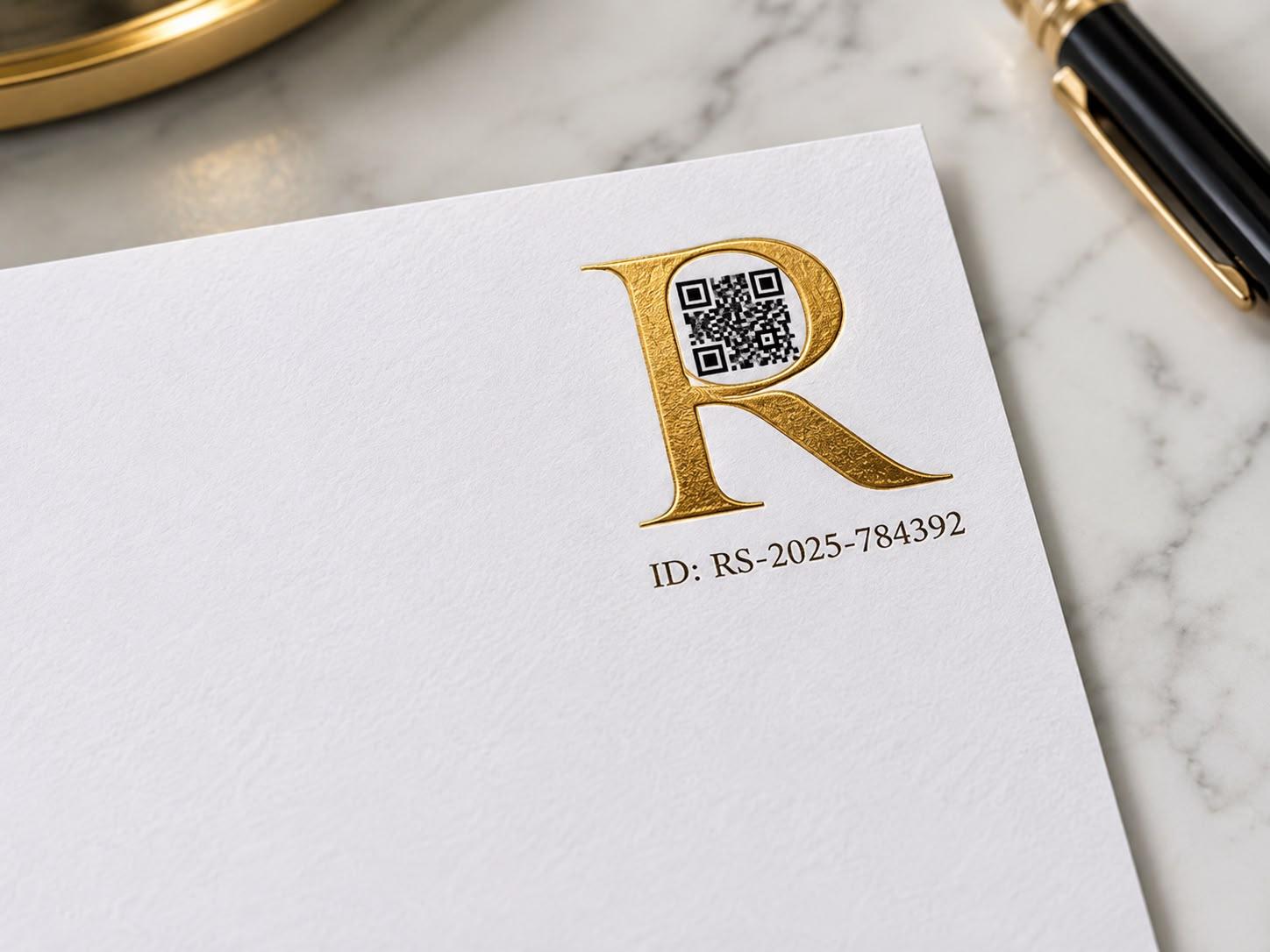
If it's on Royal Signatures paper, it carries a small gold letter R with a scannable code hidden inside it. No account, no app to install, just your phone's camera.
How to verify
- 1
Find the gold R
It's usually in a corner of the document: a small, embossed-looking gold letter R.
- 2
Scan the code inside it
Open your phone's camera and point it at the code hidden in the round bowl of the R. Tap the link that appears.
- 3
See the result
Our site opens showing who issued the document and when, with the option to save the record or download a soft copy.
If it checks out
You'll see exactly who issued it
The issuing company, when the document was registered, and an option to download a soft copy or save the record for your files.
If something's wrong
The fraud is exposed
If the sheet is a photocopy with no valid record behind it, verification fails outright. For a document where you suspect the words themselves were altered, ask the issuing company to deep-check it: they search the document ID in their portal and compare it against your physical copy directly.